
Computer Labs and Exam Rooms HF
Computer lab at Frangenheimstraße 4 / Building 213
Room 0.M01a (25 workstations)
Hardware and Software
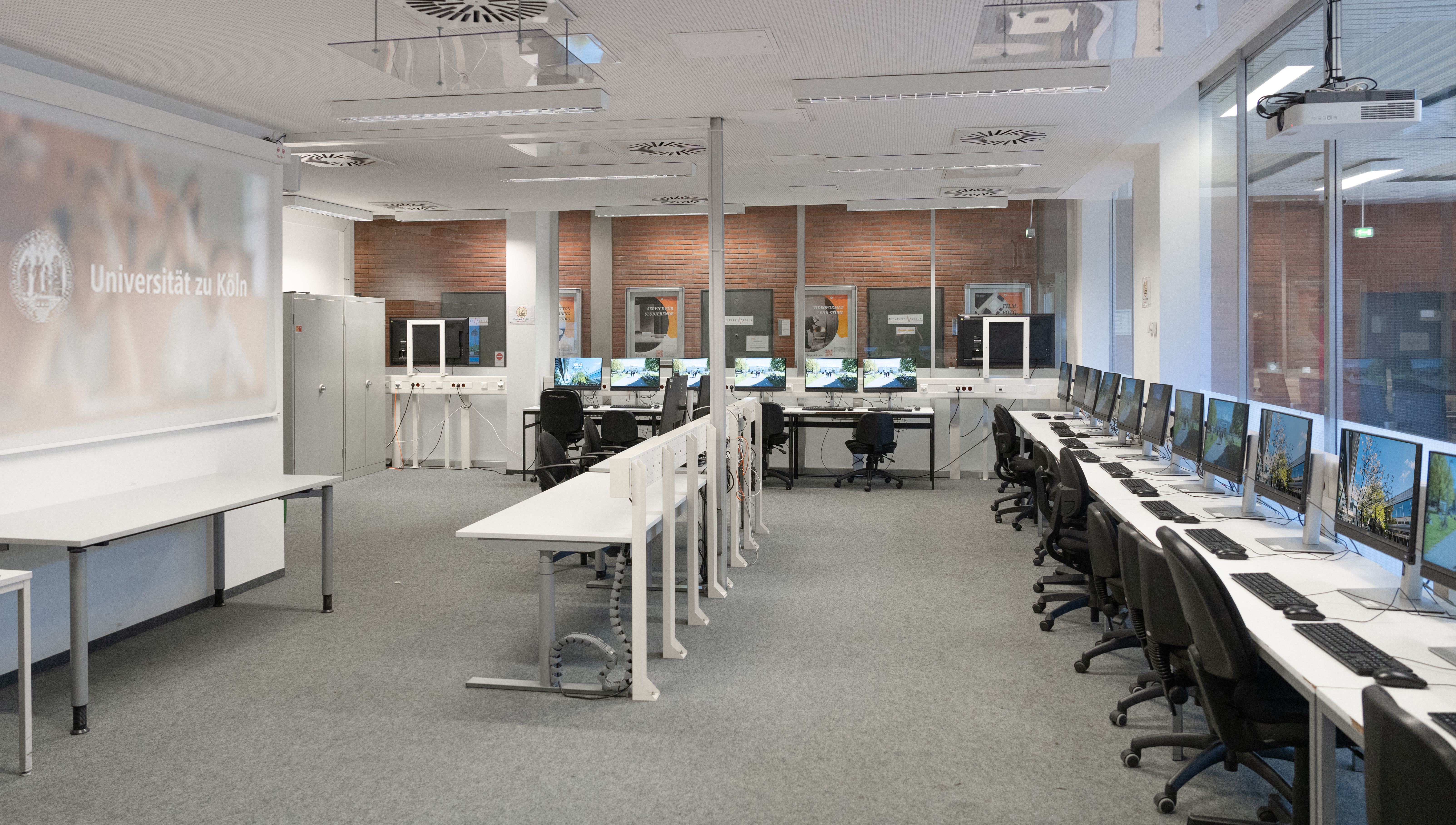
Room M01 provides students with 24 workstations equipped with 24-inch monitors. In addition to the 22 desktop workstations, there are two laptop workstations where students can charge their own devices and use them with a keyboard and mouse.
All PCs are equipped with height-adjustable chairs.
Room M01A (22 desktop workstations + 2 laptop workstations)
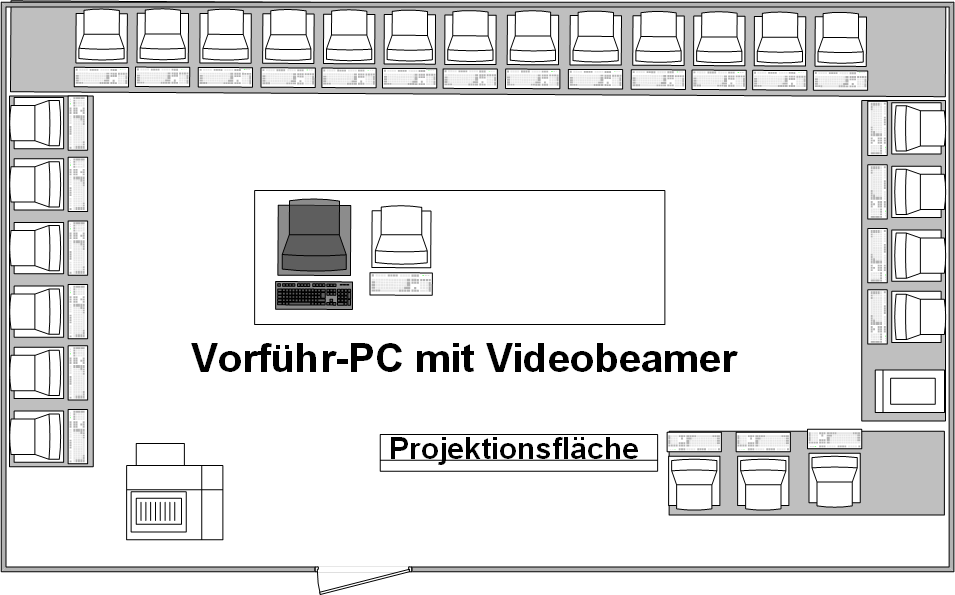
Room M01 provides students with 24 computers. The PCs have 16 GB of RAM and an i5 H235 CPU. The monitors are 24-inch 16:10 displays.
All PCs are labeled sequentially (the first computer is named FSCIP01, the last FSCIP24) to make them easier to identify.
PCs with special features in M0.1:
- Laptop workstations: the two workstations next to the projection screen
- Instructor PC: The PC labeled FSCIP-00 is intended for instructors. It is equipped with:
- 1080p video projector
- Powerful 120-watt stereo speakers
- Extron media control system with HDMI connectivity for laptops
All PCs in the room come with a comprehensive selection of software for student work, research, and teaching.
A detailed overview of the installed software licenses related to this topic can be found here.
Logging In to PCs and Data Storage
Login is via your University of Cologne student or staff account—using the same login credentials as for Webmail, ILIAS, or KLIPS.
After logging in, the SOFS storage system becomes automatically available:
- You can access it via “This PC” -> S:
- Files on drive S: remain after you log out—and are securely transferred to the SOFS cloud.
- Once files are stored in SOFS, you can access them from any university PC—instructions for connecting are available from the ITCC.
- Important: Files saved in “Desktop,” “Downloads,” “Documents,” or other standard system locations will be automatically deleted when you log out!!
Access from home: You can also add files to your SOFS drive from home via VPN, e.g., to prepare files for work in the pool or for Whisper transcriptions. You can access your private drive at sofs1.uni-koeln.de[Sonderzeichen]accountname. Instructions for connecting are available from the ITCC; the special character varies depending on the operating system.
Note: Unfortunately, printing is NOT possible in the HF computer labs until further notice!
The previous service provider, Digitexx, did not have its contract renewed. Therefore, there is currently no campus-wide solution for students’ printing needs. (As of 06/2026)
USB flash drives and external storage devices cannot be used on the computer pool PCs. Use SOFS with your network drive S: or upload files to your ILIAS course in advance.
If you have questions about the equipment or how to use the computer labs for teaching, please contact one of our technical staff members directly or send a brief email to computerpools.hf@uni-koeln.de.
Questions about booking the computer labs are answered on this page.
How to find us:
Frangenheimstraße 4, 50931 Cologne
Room M01A (Building 213 / Ground Floor)
Phone: 0221-470-4680
For detailed directions, please use the University of Cologne’s interactive map.
```