Saving useful data
|
Chat |
Participants and hosts can save the chat. |
|
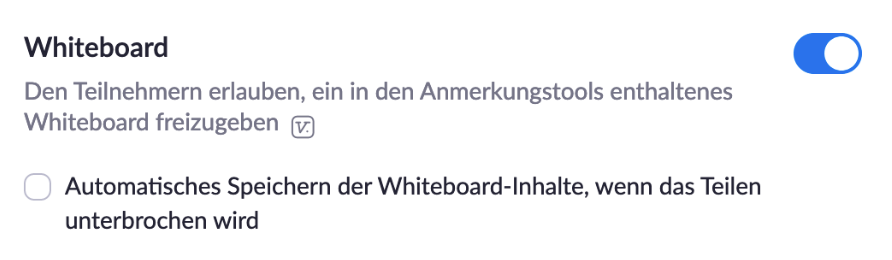
Whiteboard |
The whiteboard can be saved after a meeting. Another option is to enable automatic saving of the whiteboard (Settings > In Meeting (Basics) > Whiteboard).
|
|
Recording |
Meetings can generally be recorded if the feature has been enabled on the website (see “Before the Meeting”). Participants are asked for permission before recording begins. The view may vary |