During the meeting
|
Raise your hand |
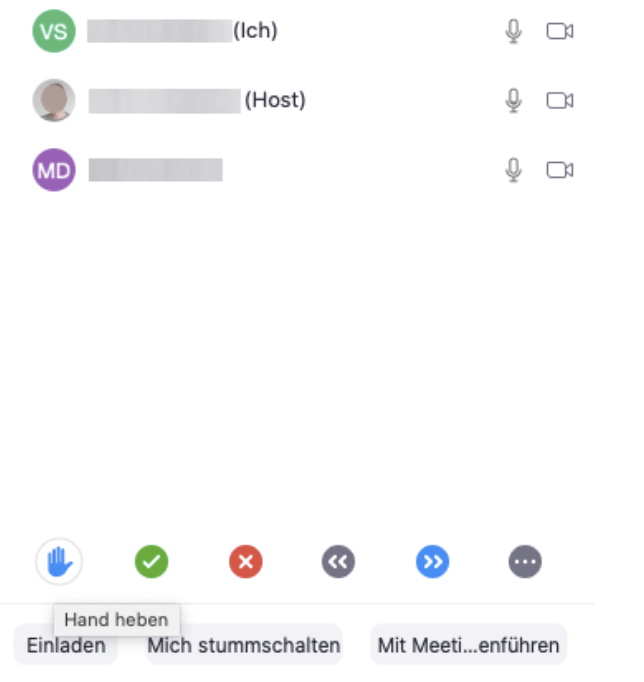
In the chat, there is a “Raise Hand” option. This allows participants to signal that they want to contribute to the meeting, helping to avoid everyone speaking at once. Here are additional feedback icons. |
|
Attendance |
An attendance check can be conducted via the chat. This can be saved for each session. |
|
Poll |
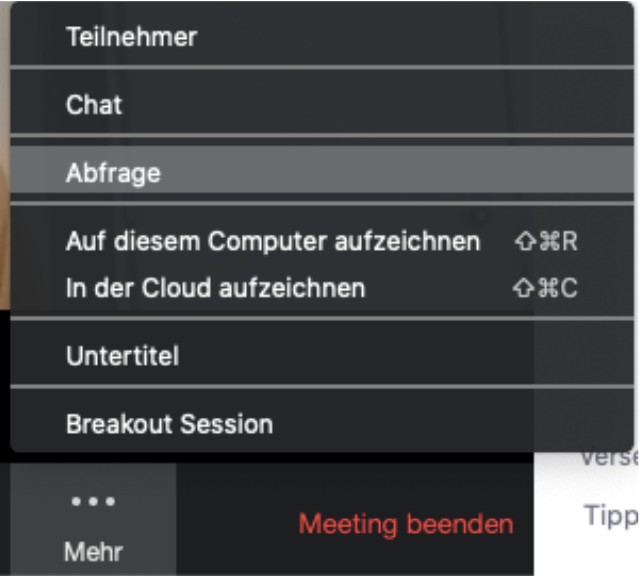
The host can start polls during the meeting and present the results to participants immediately after the poll ends. Questions can be created either during meeting planning on the website (see “Before the Meeting”) or during the meeting in the app.
The view may vary depending on the screen size. The “Poll/Survey” feature is either visible directly or can be found under the “More...” icon. |
|
Ask for Help |
When participants are in a breakout room, they can ask for help. The host will then receive a notification and can enter the breakout room. |
|
Lock the meeting |
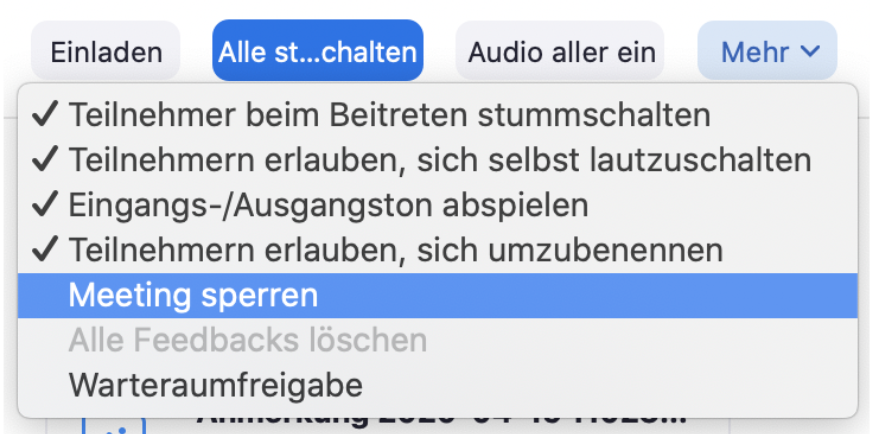
During the meeting, the host can prevent additional participants from joining via the chat in the app. However, keep in mind that this also prevents participants who may need to reconnect due to a poor internet connection from joining. |
|
|
|