

Motivation: Continuing to Use Older Computers
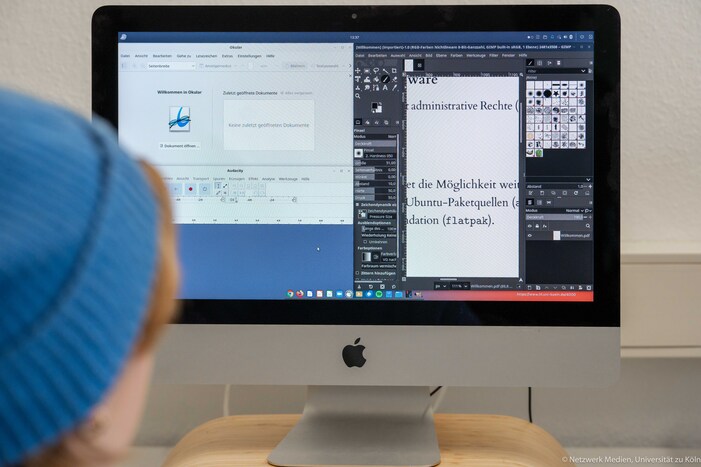
Once support for the operating system preinstalled by the computer manufacturer ends, using that operating system on any computer poses a security risk: Protection against a wide range of threats—such as malware, computer viruses, or even (ransomware) Trojans—is no longer available.
Not only for financial reasons, but especially with regard to sustainability and environmental responsibility, it generally doesn’t make sense to dispose of older devices that are still in working order as “e-waste” simply because system updates are no longer possible. Linux operating systems offer free, mostly cost-free alternatives that can be easily installed on older devices. All files created with common programs—such as the well-known Microsoft Office applications (Word, Excel, PowerPoint, etc.)—can be imported without any problems. However, the wide variety of available alternatives does not exactly make decision-making easy for users—not to mention that it can be a “difficult choice.”
Our goal is therefore to offer a “tailor-made” solution for students at the University of Cologne that makes getting started easier and the transition as smooth as possible.
Customized Configuration
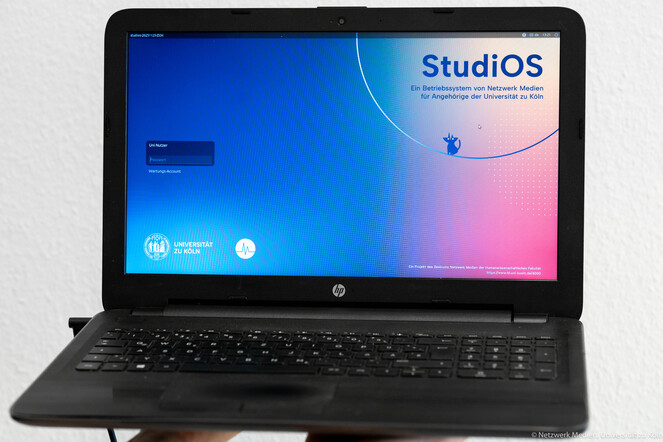
The operating system has been optimized and customized for students at the University of Cologne:
-
The system is preset with the German language pack, German keyboard layout, and the appropriate time zone.
-
All available drivers for hardware support are loaded automatically.
-
The interface is set to a consistent, light-colored design by default.
-
Various software sources are preconfigured: Ubuntu package repositories (apt), the Ubuntu Snap Store (snap), and the Gnome Foundation’s Flathub app store (flatpak).
-
A print service is preconfigured.
-
Services we’ve developed run in the background, cleaning up old installations and updating our support media.
-
The installation runs automatically after a confirmation click.
Pre-installed Software
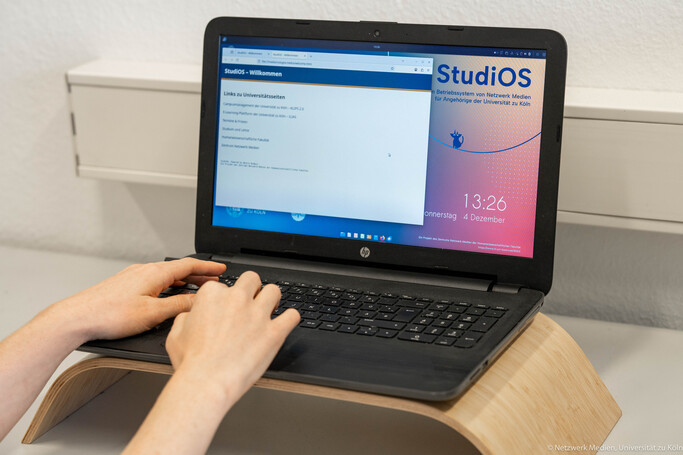
Here’s an overview of the most important software additions, excluding “must-haves” such as browsers, image viewers, and PDF readers:
For students at the University of Cologne
-
Cisco Secure Client (VPN) (*)
-
eduroam client (*)
-
Zoom (*)
For Research
-
LibreOffice office suite with high compatibility with Microsoft Office
-
Email: Thunderbird
-
Statistics: R and R Studio (*)
-
Development Environment: Visual Studio Code (*)
For Creativity
-
Video recording and streaming: OBS
-
Image editing: GIMP
-
Video editing: Kdenlive
-
Audio editing: Audacity
For media playback
-
Audio and video: VLC
-
Audio library: Lollypop
-
Streaming (subscription required): Spotify (*)
For security
-
Password manager: KeepassXC
-
File Encryption: Cryptomator
-
Antivirus: ClamTK
-
Data backups: Déjà Dup
Programs marked with an asterisk (*) are not included in the ISO available on the website.
Technical Details
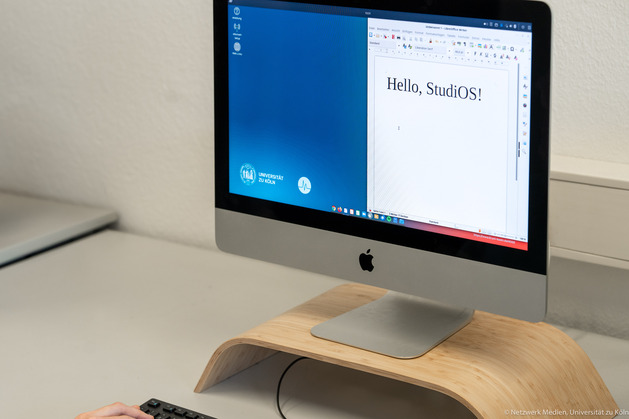
The project is based on the Ubuntu operating system with the Budgie desktop environment. Ubuntu is a Linux operating system (distribution) designed specifically for beginners; Budgie offers a desktop environment with a modern and clean look. The preinstalled version, Ubuntu-Budgie 26.04 (the numbers indicate the year and month), guarantees long-term support through April 2029, though an update to the successor version—released every two years—is, of course, possible.
Until July 2026, our installation file was based on the previous version (24.04). An update to the current version 26.04 is possible. Technical changes will be carried out in the background after the update is installed.
We have customized the Ubuntu Budgie installation file for StudiOS and added a wide selection of software. Users of our operating system, acting as administrators of their own devices, have the option to customize the system to their heart’s content, add programs, or remove them. Due to the extensive software package, a hard drive with a capacity of at least 100 gigabytes is required for installation.
Using the maintenance account on the device, you can clarify any questions you may have in person at our location.