
Laptop Loans
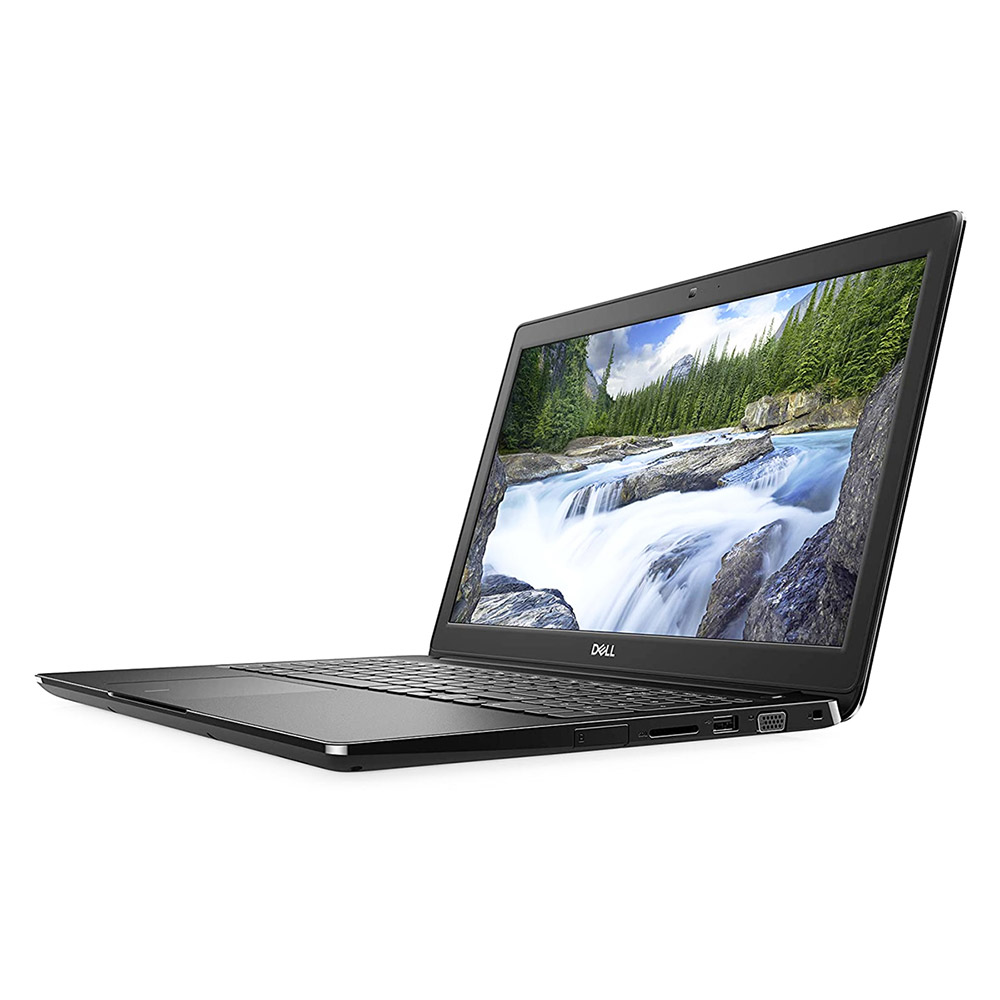
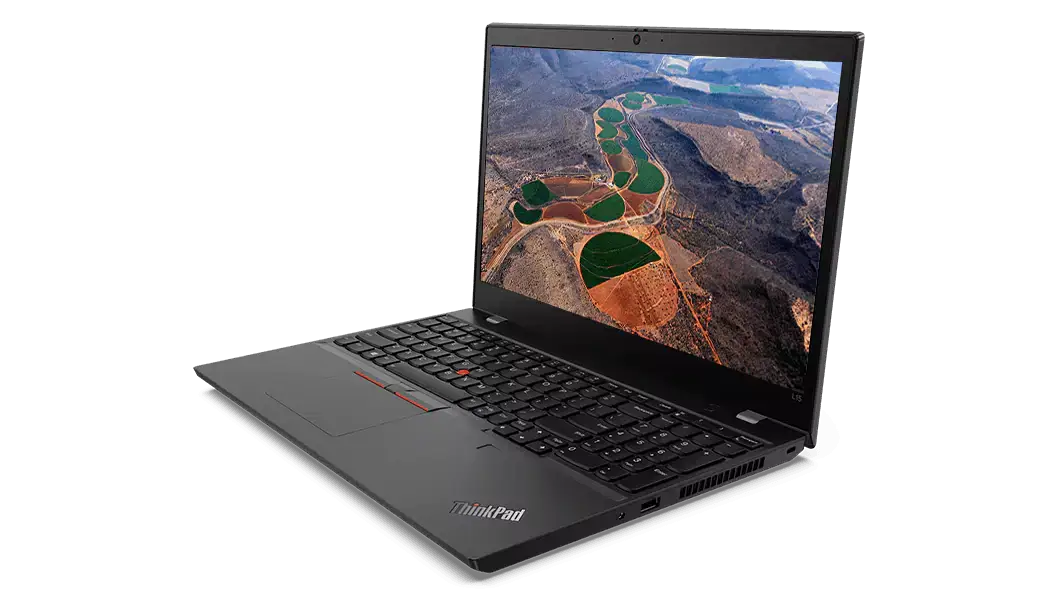
The Media Network lends laptops to students and faculty.
The laptops are equipped with Windows 11, Office 2024, and OER authoring tools (open source).
Returning the Laptops
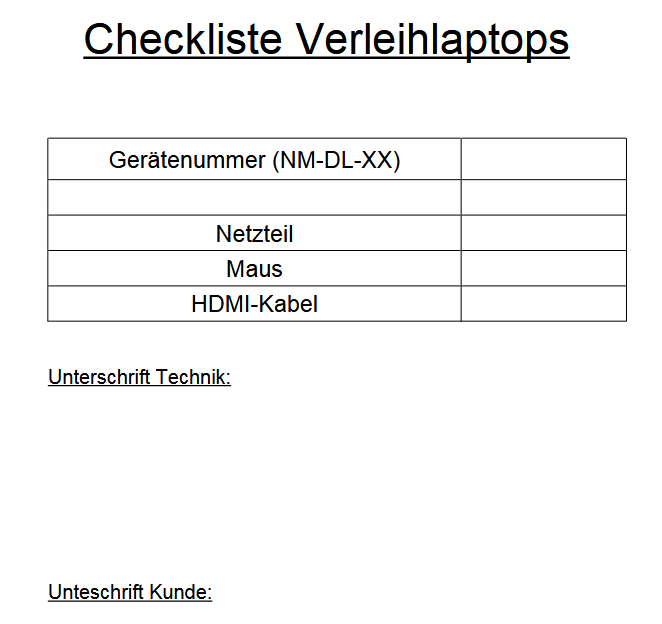
Please check that all components of the loan are present when returning the laptop. A handy checklist is included in the laptop bags.
The Rental Process
Loans are processed through the online loan and booking system simren. After registering, you will see all available devices for loan. After selecting the desired device, you will be redirected to the reservation form.
| In the "Resources" tab, select the desired resource and click "Book." |  |
| Then select the desired time period in the booking form. |  |
Reservations should be made in advance to ensure quick processing. For special requests that cannot be accommodated via simren (e.g., longer loan periods), please send an email to simren.hf@uni-koeln.de or call us at 0221-470-91710.
Important Rules for Borrowing
- Reserve your desired equipment on the website: netzwerkmedien.simren.de and log in with your university email address.
- Once your request has been processed, you will receive a confirmation via email.
- Please provide a phone number in case we need to contact you.
- Instructions are available either in print next to the equipment or as a video in the booking system under “Instructions/Further Information.”